
Networks, Smart Home & Computer Support
Networks, smart devices, and computers that work the way they should.
MISH Networking installs and troubleshoots networks and smart-home systems, sets up connected security and servers, and builds, upgrades, and repairs computers — with plain-English explanations at every step. If it runs on hardware, software, or a network, start with Brian.
Or call (210) 618-3605
What I Do
Services built around the problem, not just the hardware
Every job starts with what you're trying to set up, improve, or fix — then the right mix of networking, smart-home, security, server, software, and computer work to address it.
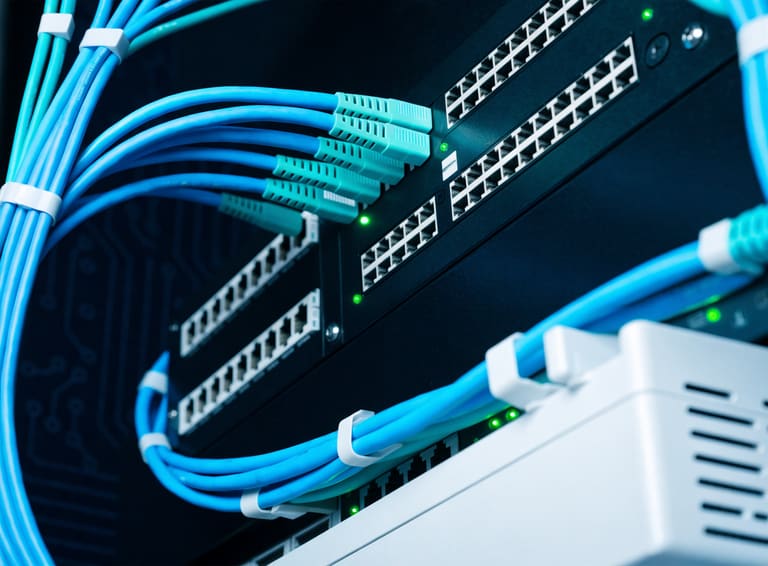
Network installation & troubleshooting
Getting a reliable wired and wireless network in place, and tracking down what breaks it when it stops behaving.
- Router, switch, and access point setup and configuration
- Wired runs, patch panels, and clean cable management
- Diagnosing drops, dead zones, and slow or unstable connections
- Segmenting networks for guests, work, and shared devices
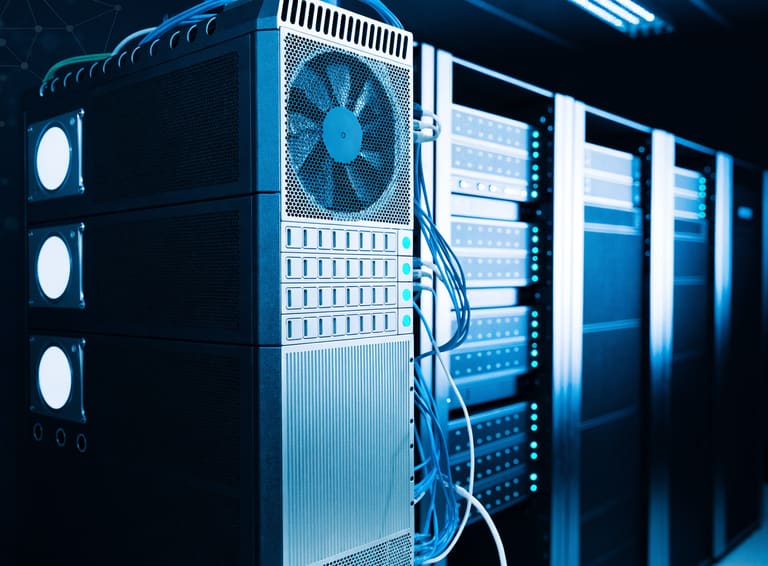
Server setup & support
Standing up a server for shared files, backups, or line-of-business software, and keeping it running once it's in place.
- New server setup and configuration for small offices
- Shared drives, permissions, and access issues
- Backup configuration and basic maintenance
- Troubleshooting server slowdowns and access problems
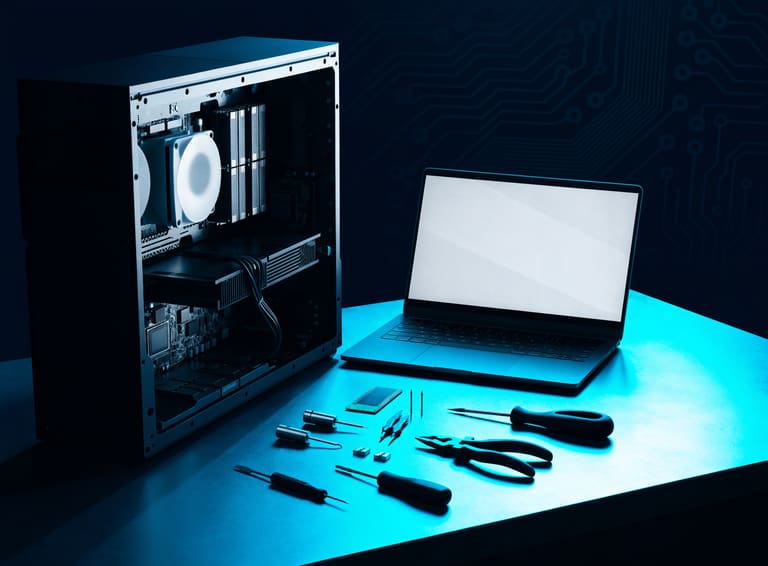
PC building, upgrades & repair
Custom desktop builds, component upgrades, and getting a broken machine working again. When a machine has failed parts, Brian diagnoses what's actually wrong and, when practical and after testing, reuses the components that are still good instead of writing off the whole system.
- Custom desktop builds and component upgrades
- Hardware diagnostics for desktops and laptops
- Salvaging and reusing compatible components when practical
- Replacing failed parts while keeping tested, compatible hardware in service
Smart-home & connected devices
Design, installation, configuration, and troubleshooting for whole-home networks, hubs, and connected devices — including Ubiquiti UniFi ecosystems — so IoT traffic stays organized instead of fighting itself.
Network-connected security
Security cameras, video doorbells, NVRs, and access-related devices, set up for secure remote viewing and backed by solid network infrastructure.
Software & device integration
Installs, updates, migrations, account and device setup, app conflicts, and connecting hardware to the software and services it depends on.
Peripherals, backups & home-office tech
Printers, peripherals, and data/backup setup for home-office technology, so the hardware around your desk works with everything else.
Wi-Fi & connectivity
Improving coverage, resolving interference, and getting every device talking to the network reliably.
Broad technology problem solving
Most requests don't fit a neat category. If it runs on hardware, software, or a network, start with Brian.
Symptoms & Situations
Problems we solve
If something on this list sounds familiar, it's worth a conversation.
- Wi-Fi dead zones in certain rooms or areas of a building
- Connections that are intermittent, slow, or drop without warning
- Computers that are sluggish or take too long to start up
- Startup errors, crashes, or unexpected shutdowns
- Trouble sharing printers, drives, or files across a network
- Server or remote-access issues that block you from your data
- Software that conflicts, fails to install, or breaks after an update
- New devices or hardware that won't connect or set up properly
- Smart-home hubs, devices, or apps that won't connect or stay online
- Security cameras or video doorbells that are offline, laggy, or hard to view remotely
- A PC that won't turn on or boot, or a failed component that needs to be isolated before deciding what can be reused
- New software, accounts, or devices that need to be set up correctly the first time
How It Works
A straightforward process
-
1
Describe the issue
Reach out by phone or email with what's happening — the more detail, the better the starting point.
-
2
Diagnose & recommend
Brian reviews the situation, digs into the likely causes, and lays out practical options in plain language.
-
3
Configure, repair & test
The work gets done and checked, so you can see it's actually working before it's considered finished.
About
Brian J. Mishoulam, MISH Networking
Brian J. Mishoulam is the contact behind MISH Networking. Services span network installation and troubleshooting, smart-home and connected-device ecosystems (including Ubiquiti UniFi), network-connected security, server setup and support, software and device integration, and PC building, upgrades, and repair.
If it runs on hardware, software, or a network, start with Brian — contact him to describe the equipment, symptoms, or project you need help with and discuss the next steps.
Where I Work
Serving local clients and surrounding areas
MISH Networking works with local clients and surrounding areas. If you're unsure whether your location is covered, call or email to ask.
Get In Touch
Tell me what's going on
Fill out the form and it will open a pre-filled email to Brian in your email app — nothing is sent from this page directly. You can also call or email directly.